Chromebook vs Laptop: Which One Should You Choose?
Since 2011, when the first Chromebook was released, they’ve come a long way. Before they were ridiculed for their limited functionality which was especially reliant on having direct internet access. However as all things go with continuous improvement, Chromebook has also improved by leaps and bounds. Today, the lines are blurrier than ever.
Chromebooks now stand shoulder-to-shoulder with traditional Windows and macOS laptops in delivering robust productivity for a vast array of tasks. Which is why people such as yourself reading this blog are asking the question which portable powerhouse is truly the best fit for your needs?
Which is why in this comprehensive guide, we’ll dissect the core differences, capabilities, and unique advantages of both Chromebooks and traditional laptops. Thus, helping you make an informed decision with confidence. Let’s dive in and unlock your ideal computing companion!
Operating Systems
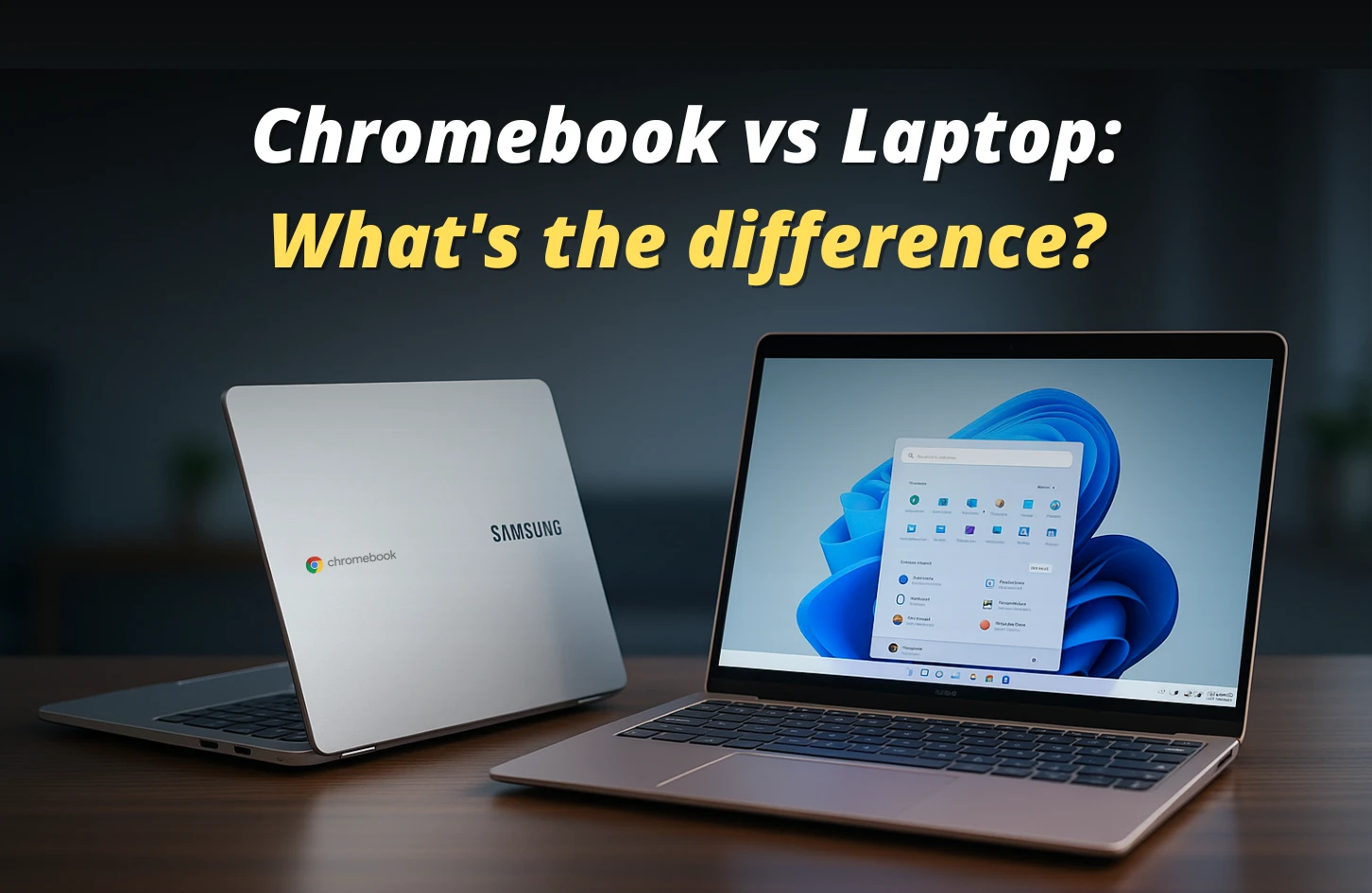
Let’s start with the core, the Operating System. This is where the main difference lies between a Chromebook and a laptop. Chromebooks as its name states comes packed with the ChromeOS which is lightweight and is a web-based OS.
Instead of relying on heavy local applications, ChromeOS leans into Google’s suite of cloud-based tools like Google Docs, Drive, and Gmail. This makes the ChromeOS very fast as most of the heavy lifting is done on the cloud.
They also receive automatic updates and are generally more secure as they are less susceptible to malware and viruses. This is largely due to Chrome OS’s security-focused design, which includes features mentioned before like auto updates, sandboxing, and verified boot.
Now let’s talk a bit about Windows in short. Chances are if you are not reading this blog on your smartphone you are definitely reading it on your PC which is run by Windows OS. You already know about Windows.
It literally lets you do almost everything (except from root or kernel level stuff but that is a topic for another blog lets keep things simple here). What ChromeOS cannot do that Windows has is its systems support for full-scale local software installation, giving users access to industry-standard tools and complex applications.
This one factor might become the dealbreaker as it lets you work on a specific application like Blender or UE. File management is also more advanced and you also get to do gaming with Windows if that is also something you require.
Performance & Capabilities
Now that we have covered the operating systems of both the devices let’s talk about their performance. We will be dividing this section into parts so that you can easily find out which one would suit the best for you.
Everyday Tasks
For everyday tasks like browsing the web, emailing or working on documents, Chromebooks shine. This is their playground. Windows laptops do not even come near to the speed, granted it is in the low to mid tier sections.
Chromebooks can be found as cheap as 20-30K BDT but finding a laptop in this section is like searching for a rusty needle in a haystack. Even if you do find one it will never be able to match the speed of a Chromebook for browsing the web or day to day tasks. You may also read – Intel Vs Ryzen Laptops
Software & Applications
By default Windows has a plethora of applications it can support. However with the rise of web apps like Office 365, Google Workspace, Canva, etc; portability has increased by leaps and bounds.
Now you do not need to stay limited to offline softwares, you can work with web based softwares which even stores your data on the cloud automatically for you. This means even if you change your device you will be able to access your data from anywhere with internet access.
For these reasons Chromebook might fancy you but if you work with demanding applications like Premiere Pro, Sony Vegas Pro, Final Cut or Blender, then you might be out of luck. Chromebooks unfortunately do not come equipped with the hardware required to bring out their full potential.
Which is why we can say that this section is a bit of a tie and depending on your requirements you can pick your poison here.
Creative Work
For this section hands down if you are looking for a professional grade performance you will definitely have to pick a laptop here. Chromebooks just cannot match the performance of a laptop in this section.
While video editing or working in 3D, you need a good amount of RAM so that you can multitask easily and your laptop does not lag. You also need a powerful processor so that your render time does not take weeks.
However if you are looking for some light photo editing, web based softwares like Photopea could be used. If you are using those then Chromebooks could become the perfect companion for you. You may also read – Best Laptops for Drawing And Animation
Gaming
Another section where the laptop wins by a mile. With recent titles becoming more and more demanding, there is in no way Chromebooks will be able to run them. However cloud gaming is becoming very prevalent these days.
With cloud gaming services like GeForce now, Xbox Cloud gaming, etc becoming much more stable, if you have a decent enough internet connection you can play these games even in the cheapest Chromebooks. Because what happens in cloud gaming is your games will be run on servers which meet the requirement of the games you will be playing and you will be streaming it directly to your device.
So if you are into light gaming and can handle a bit of input lag you can try going the Chromebook route with cloud gaming but traditional gaming will require you a laptop with good specs. You may also read – Best 17 Inch Gaming Laptop
Hardware & Design
We are now at the Hardware & Design section. Here you will get to know about how Chromebooks and Laptops fare against each other in the following categories: price point & value, portability and form factor.
Price Point & Value
Now that we are at the hardware and design section let us first talk a bit about its price point and the value it offers. As stated before, Chromebooks are incredibly affordable with some even being available for 20k BDT. The reason they are cheap is because they can cheap out on specs.
You do not need an RTX 4060 with an AMD Ryzen 7 processor to run chrome OS. Chromebooks are simply built for day to day tasks which is why you can just stick with barebones processors with a decent amount of RAM and you are good to go.
There are also 2-in-1 convertible and even detachable ones as well. Some even have touch screens now at a relevantly cheaper price. Whereas if you are looking for a 2-in-1 laptop it will cost you a lot and even then if you look for something cheap you might not get good enough specs.
But what you will get with a laptop is just more specs, that’s the main thing. Laptops also generally tend to be a bit more expensive than Chromebooks. This is especially true if you want a touch screen laptop.
So if you compare price to value ratio Chromebooks will seem like the best bang for the buck depending on your use case scenario.
Portability & Form Factor
We already talked a bit about form factor before so you should have a slight idea which one would be best. In terms of portability if you just consider the weight or thin form factor you can say Chromebooks and laptops are tied here because there are laptops which are very thin and light which you can carry anywhere.
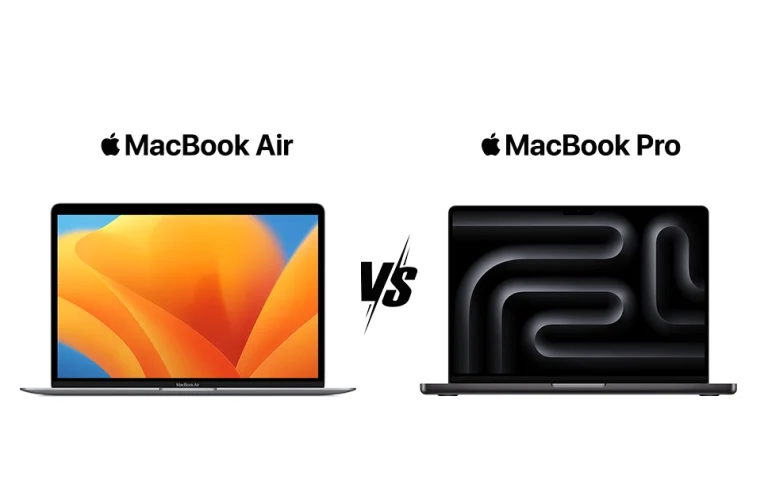
The MacBook Air series is the best example here. Albeit a bit expensive but you get really good specs and you can use the MacBook for both professional and casual tasks. Chromebooks might be light but they will not be able to deliver that same hardware..
In terms of battery though Chromebooks are a clear winner. ChromeOS is very light and is not bloated like Windows. It does not have that many power hungry applications running in the background which means you can get great battery backup with a Chromebook.
So if battery backup is your requirement you should definitely go for a Chromebook. You may also read – Best Lightweight 2 in 1 Laptop
Storage & Connectivity
This is one section where the Chromebook is very weak. Chromebooks unfortunately do not come with enough storage to store your files or important documents locally. Everything is web-based there though. So if you have a cloud storage subscription you should be good to go.
But laptops here provide you with the best solution. Most laptops now have at least 512GB SSD to provide you with faster boot and some even offer 1TB which can be further customised to 2TB and more. So you get more storage with laptops which is crucial if you are working with large amounts of data.
And in terms of connectivity especially the ports, Chromebooks typically offer one USB-C and
sometimes a USB-A port. But with laptops you get a plethora of ports, from USB-C to USB-A, thunderbolt, HDMI, ethernet etc.
So if you need storage and ports you should definitely choose a laptop.
Security & Maintenance
Now that we have taken a look at the hardware and design of Chromebooks & laptops, it’s equally important to consider how these devices handle security and ongoing maintenance; a critical factor in choosing the right machine for your needs.
Chromebooks take a streamlined, built-in approach to security that demands very little from the user. ChromeOS is engineered for safety, with automatic updates running quietly in the background to patch vulnerabilities as soon as fixes become available.
Its architecture relies heavily on sandboxing, which keeps each app, website, and process sealed off from the rest of the system. This means that if malware sneaks into one corner, it can’t spread further. Perhaps the most impressive safeguard is verified boot: every time a Chromebook starts, it checks for any tampering and, if it finds problems, automatically restores itself to a secure, clean state.
Thanks to these layers of protection and a read-only operating system, Chromebooks are significantly less prone to the viruses and persistent malware that often plague more open platforms. For users, this translates into a secure, low-maintenance device right out of the box.
Traditional laptops running Windows or macOS, on the other hand, offer powerful security tools but place more responsibility on the user. Both systems include strong native protections—like Microsoft Defender or Apple’s XProtect—but because these platforms support a vast ecosystem of software and customization, they present a broader target for attackers.
Many users choose to add third-party antivirus solutions and extra security software for layered defense. Updates are critical here, too, though users sometimes have to handle reboots or troubleshoot update issues.
In enterprise environments, Windows and macOS deliver highly advanced security management tools, giving IT teams fine control over devices, data, and user access. However, this robustness often demands skilled oversight and active management, making security on these systems a shared responsibility between technology and the people managing it.
Who is Each For? Identifying Your Ideal Device
Now that we’ve covered nearly all the aspects to consider when choosing between a Chromebook and a laptop, let’s take a look at the final takeaway to help you make the best decision.
Choose a Chromebook If…
You’re on a budget and only need a device for day-to-day tasks like emailing, working on documents, or taking notes, a Chromebook is the right choice for you. This is because you don’t need the extra features of a traditional laptop if your work is simple and web-based.
You just need a device that lets you complete straightforward online tasks efficiently. Chromebooks value simplicity, offer fast boot-up times, and provide excellent security. So whether you’re a student or a casual user, this is the one for you if your usage needs fit that scenario.
Choose a Traditional Laptop If…
You’re a power user and need higher specs to handle demanding tasks. You work with specific software like Adobe Creative Suite, AutoCAD, Final Cut, and similar programs. These applications require significant resources that a Chromebook simply can’t provide, which is why you’ll need a traditional laptop.
You should also choose a laptop if you’re interested in gaming. Laptops offer more local storage, so you can save your documents and important files directly on the device. Another big advantage is that you won’t have to get used to a different operating system, since you’re likely already familiar with Windows or macOS.
Conclusion
Choosing between a Chromebook and a traditional laptop can feel overwhelming, especially when you’re trying to balance budget, performance, and usability. If you need a device that’s affordable, secure, and hassle-free for everyday tasks like browsing, emailing, or document work, a Chromebook will save you time and money without sacrificing reliability. Ready to choose your next device? Explore the latest laptops at Vertech and find the perfect fit for your needs.
But if your work demands heavy software, creative projects, gaming, or lots of local storage, a traditional laptop is likely the smarter investment. It gives you the power and flexibility to run complex applications smoothly, handle multitasking without lag, and store your files where you want them.
Understanding these differences upfront helps you avoid wasting money on features you don’t need—or worse, ending up with a device that can’t keep up. Think about your daily tasks, your software requirements, and how much time you want to spend managing your device. Your ideal choice should reduce frustration, boost productivity, and fit your lifestyle seamlessly.
No matter what you choose, making an informed decision now means fewer headaches later—and a device that truly supports your goals.

Jiaan is a tech enthusiast and an audiophile who loves diving into the latest gadgets and soundscapes. You’ll often find Jiaan active on forums and Reddit, sharing insights and engaging with the community. By day, Jiaan is a digital content writer, crafting engaging stories.